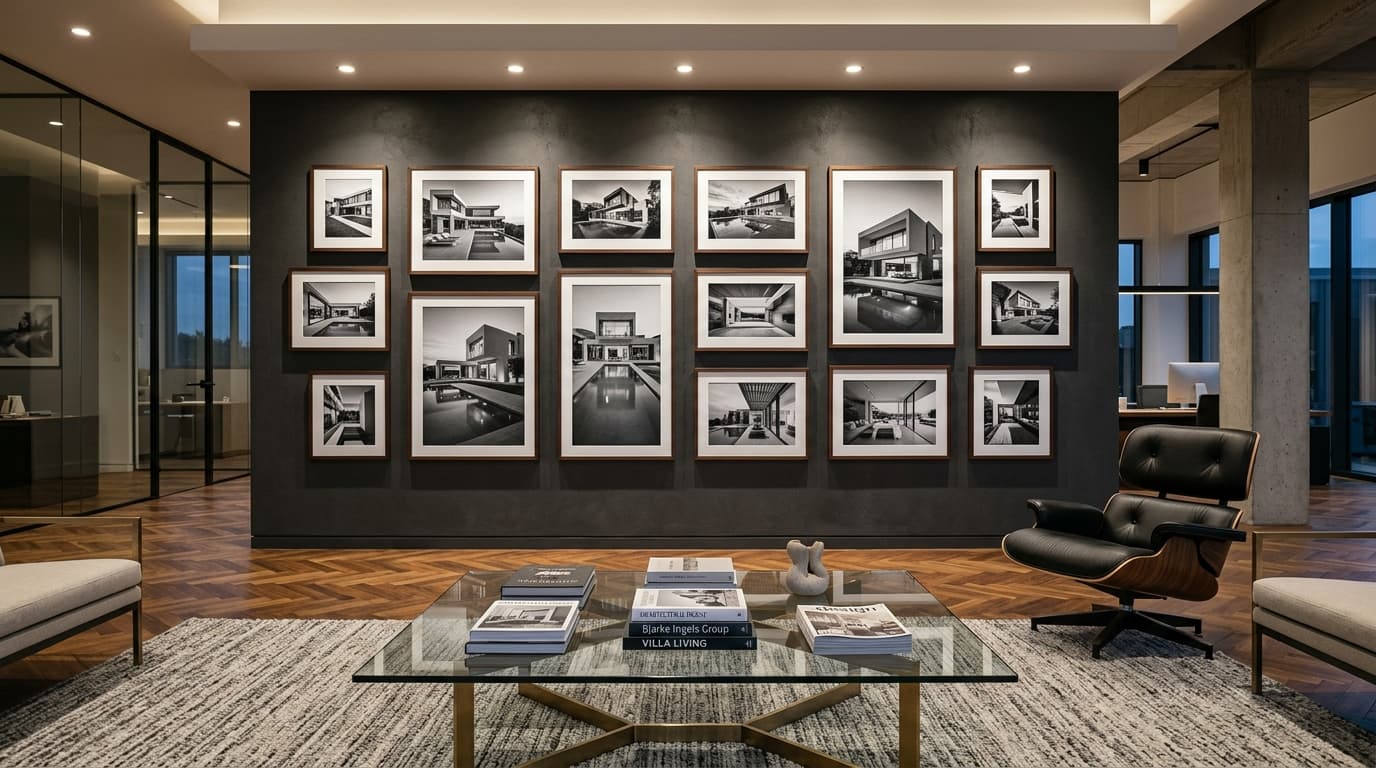
SEO for architecture portfolios is the process of turning each significant project into an independently rankable page — with a descriptive title, written context, optimized images, location data, and internal links — rather than treating the portfolio as a gallery that only humans can read.
Most architecture websites have a gallery problem. The portfolio is visually beautiful and completely invisible to search engines. There's no text, no context, no keyword signals, and no internal linking. Each project is a stunning image set with a one-line caption.
This is the single most common — and most correctable — SEO missed opportunity on architecture websites.
Why Architecture Portfolios Fail Search Engines
Search engines read text and follow links. Architecture portfolios, as typically built, offer almost neither.
A gallery page showing 20 projects as a grid of thumbnails — even a beautifully designed one — presents Google with this challenge: 20 images, no text, no individual URLs for each project, and no indication of what any of the projects are, where they're located, or who they're for.
From Google's perspective, this is a thin or empty page. It may rank for the firm's brand name. It won't rank for "luxury villa architect Alibaug" or "courtyard house architect Mumbai" — the project-type + location combinations that actually bring in enquiries.
The solution is to restructure the portfolio from a gallery into a content architecture.
Step 1: Give Every Significant Project Its Own Page
The most important change. Instead of a gallery where every project appears as a thumbnail on one URL, each significant project needs a dedicated page with its own URL.
Good URL structure:
/projects/courtyard-villa-alibaug//projects/commercial-office-bandra//projects/boutique-hotel-goa-renovation/
Each URL should contain the project type and location — this is itself a lightweight SEO signal.
Avoid:
/projects/project-14//work/?id=823- Dynamic URLs that change on each load
A JavaScript-only gallery modal with no unique URL is effectively invisible to search engines. If the URL doesn't change when a user clicks on a project, Google sees it as one page.
Step 2: Write the Project Description
Each project page should include 300–600 words of genuine context. Not keyword-stuffed filler — actual architectural writing about the project.
What to cover:
The brief: What was the client's request? What was the site or building's existing condition?
The design response: What was the key design decision? What problem does the building solve? What constraints influenced the design?
The location: Mention the neighborhood, city, climate, and local planning context where relevant.
Materials and construction: What materials were used? Why? Any sustainable or technical choices worth noting?
The outcome: Project size (square footage), number of floors, completion year, any notable features.
This content serves three purposes: it gives search engines something to read and rank, it gives potential clients an understanding of the firm's thinking, and it signals expertise to Google's quality evaluation systems.
Step 3: Optimize the Project Title and H1
Most architecture projects are referred to internally with a name like "The Mehta House" or "Project 23." These mean nothing to a search engine.
The page title and H1 should describe the project in terms that a potential client would search:
Before: The Mehta House
After: Modern Courtyard House — Alibaug, Maharashtra
Before: Commercial Project 7
After: Boutique Hotel Interior Renovation — South Goa
Include the project type, a defining quality, and the location. This alone — applied to 20 projects — creates 20 additional keyword targets.
Step 4: Optimize Every Image
Portfolio images are the heart of architecture websites. They also need specific technical treatment to help rather than hurt SEO.
File format: Convert all images to WebP or AVIF. These formats deliver the same visual quality at 30–80% smaller file size, which directly improves page speed and LCP scores.
File names: Rename before uploading. IMG_0042.jpg → courtyard-house-alibaug-concrete-facade-exterior.webp. Search engines read filenames as a content signal.
Alt text: Every image needs an accurate, specific alt attribute. Write it as a description, not a keyword list.
Good alt text: "Exposed concrete courtyard wall with swimming pool reflecting the monsoon sky — residential house in Alibaug"
Bad alt text: "architect alibaug house villa design portfolio"
Dimensions: Always specify width and height attributes on image elements. This prevents layout shift during page load (CLS).
Lazy loading: Use loading="lazy" on all images that are not immediately visible on page load. The hero image should NOT be lazy-loaded — it should load immediately.
Step 5: Add Location and Project Metadata
For each project page, include:
- Location data — city, neighborhood, and state where the project is located
- Project year — when it was completed
- Project type — residential, commercial, hospitality, institutional
- Scope — approximate size in square footage, number of floors, brief scope description
Consider implementing ImageObject and location-based structured data for key projects. This gives AI search systems machine-readable project metadata.
Step 6: Build Internal Links Between Projects and Service Pages
Portfolio pages need to be connected to the rest of the site through internal links.
From service pages to projects: The residential architecture service page should link to 4–6 representative residential projects.
From project pages to service pages: Each project should link back to the relevant service page. "This villa was part of our residential architecture practice."
From project to project: Link between related projects. "See also: Modern Villa in Karjat."
From blog posts to projects: When writing about a topic (sustainable materials, passive cooling design), link to projects that demonstrate it.
This internal link structure distributes authority across the portfolio and keeps visitors exploring the site — which also signals engagement to Google.
Step 7: Add Project Pages to the XML Sitemap
Once project pages have proper URLs and content, ensure they're included in the XML sitemap and that the sitemap is submitted to Google Search Console.
If project pages are rendered client-side by JavaScript and not server-side rendered, Google may struggle to index them. Confirm in Google Search Console's URL Inspection tool that project pages are indexed properly.
What Good Portfolio SEO Looks Like in Practice
Before optimization:
- Gallery page at
/portfolio/with 30 projects as thumbnails - No individual project URLs
- Images named
P_001.jpgthroughP_030.jpg - No alt text
- No project descriptions
- LCP: 7.2 seconds (large uncompressed JPEGs)
After optimization:
- 30 individual project pages at
/projects/[project-name-city]/ - Each page with 400 words of project context
- All images converted to WebP with descriptive filenames
- Alt text on every image
- Internal links from each project to the relevant service page and 2 related projects
- LCP: 1.4 seconds
The outcome: 30 new entry points for location + project-type search queries.
Common Portfolio SEO Mistakes
Only showing work in a gallery modal — no unique URLs, nothing for Google to index.
Generic project titles — "Project 14" or "Villa 2023" tell Google nothing.
No text on project pages — images alone create pages Google classifies as thin content.
All images as uncompressed JPEG — destroying page speed on the pages where first impressions matter most.
No internal links between portfolio and services — leaving the firm's best proof points disconnected from its conversion pages.
Frequently Asked Questions
Why do architecture portfolios rank poorly on Google?
Most portfolio pages have very little text content, use generic project titles, and rely on JavaScript gallery modals with no individual URLs. Search engines need text, unique URLs, and descriptive metadata to rank pages.
Does every project need its own SEO-optimized page?
Focus on your most significant projects — the ones you want to attract more of. Aim for the top 10–20 projects initially. These become your primary case studies and keyword landing pages.
How long should architecture project descriptions be?
300–600 words is the practical range. Enough to give real context (brief, design response, materials, location, outcome) without padding. A well-written 350-word description beats a padded 1,000-word one.
Can architecture portfolio pages rank in Google Images?
Yes. Properly named images with accurate alt text and a good page speed score do rank in Google Images. This is an underutilized discovery channel for architecture firms — clients searching for visual inspiration often click through to the firm that created it.
What schema should I use for architecture project pages?
ImageObject for the project photos, Article or a custom ArchitecturalWork markup for the project content, and BreadcrumbList for navigation. This gives AI search systems machine-readable project metadata.
Turn Your Portfolio Into a Search Asset
Amfor Studio optimizes architecture portfolios as part of every engagement — project page structure, image optimization, and internal linking that connects your best work to the clients searching for it.
Get a free portfolio SEO audit
See also: Image SEO for Architects | Architecture Website SEO | SEO for Architects