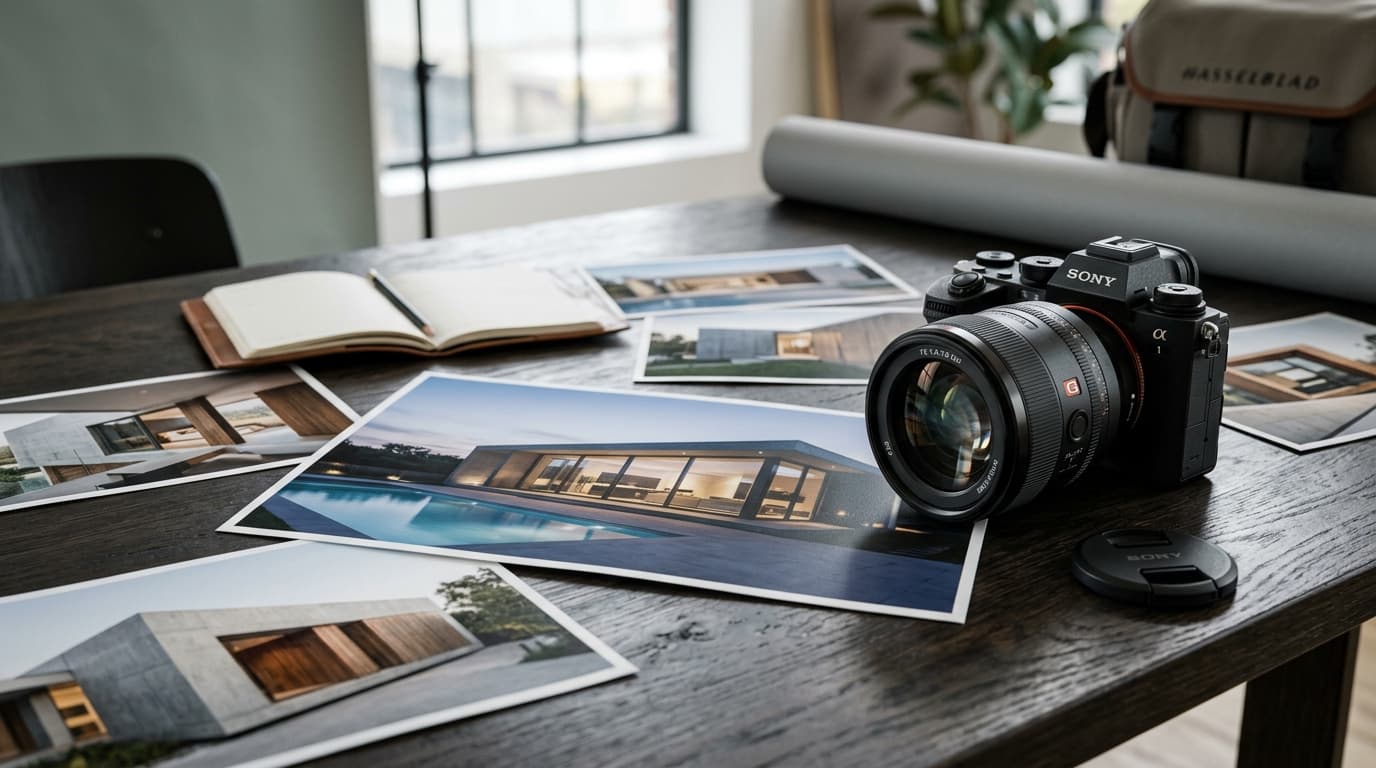
Image SEO for architects is the process of making portfolio photos readable and rankable by search engines — through format conversion (WebP/AVIF), descriptive file names, accurate alt text, and correct loading behavior. Most architecture sites are image-heavy but image-invisible to Google.
Architecture is a visual profession. The website should reflect that. But unoptimized images are simultaneously the biggest brand asset and the biggest technical liability on most architecture websites — they make pages load slowly, they give search engines nothing to read, and they miss an entire discovery channel (Google Images) that many architecture firms have never used.
This guide covers every dimension of image SEO that matters for architecture websites.
Why Image SEO Matters More for Architecture Than Most Industries
On a typical website, images are secondary to text. On an architecture website, images are the primary content.
That creates a problem and an opportunity.
The problem: Search engines primarily read text. A project page showing eight stunning photographs with a one-line caption gives Google almost nothing to understand, categorize, or rank. Google sees something that looks like a thin, near-empty page.
The opportunity: Architecture firms that optimize their images properly have a competitive advantage over nearly every firm that doesn't. Google Images is a significant traffic channel that most architecture firms have never accessed. A client searching "courtyard house architect Goa" in Google Images will see images from ranked project pages — and click through to the firm.
Proper image optimization addresses both the problem (making images legible to search engines) and the opportunity (ranking in Google Images search).
The 6 Image SEO Fundamentals for Architecture Websites
1. File Format: Convert to WebP or AVIF
JPEG was the standard for web images for decades. It's now outdated for modern websites.
WebP (developed by Google) delivers the same visual quality as JPEG at 25–34% smaller file size. AVIF is newer and delivers even better compression — often 50% smaller than JPEG at equivalent quality.
For architecture websites, switching from JPEG to WebP is often the single most impactful page speed improvement available. A 4MB JPEG hero image becomes a 1.2MB WebP with no visible quality difference.
How to convert:
- During development: Configure your build pipeline (Next.js, Gatsby, etc.) to automatically serve images in WebP
- Manually: Use tools like Squoosh (free, browser-based), ImageMagick, or Adobe Photoshop's "Save for Web"
- Via CDN: Image CDNs like Cloudinary or imgix convert and serve in the optimal format automatically
For the browser support edge case: every modern browser supports WebP. AVIF support is slightly less universal. Serve AVIF with WebP as a fallback using the <picture> element.
2. File Names: Rename Before Uploading
Search engines read image file names as a content signal. It's a lightweight signal, but it costs nothing to get right.
Before: IMG_0042.jpg
After: courtyard-villa-alibaug-concrete-facade-exterior.webp
Before: DSC_7821.jpg
After: modern-office-interior-bandra-open-plan-workspace.webp
Rules for architecture image filenames:
- Use hyphens between words (not underscores, not spaces)
- Include the project type (villa, office, apartment, hotel)
- Include the location (alibaug, bandra, koramangala)
- Include a visual description (facade, exterior, interior, courtyard, detail)
- Keep it under 60 characters
- Lowercase only
Don't keyword-stuff filenames. architect-seo-mumbai-best-villa-luxury-modern.webp is counterproductive. Write it as a human description.
3. Alt Text: How to Write It for Architecture Images
Alt text (the alt attribute on <img> elements) serves two purposes: it describes the image to search engines, and it displays when an image fails to load (and is read by screen readers).
For architecture websites, alt text is where most of the keyword value from images lives.
Good alt text (specific and descriptive):
alt="Exposed concrete courtyard wall with swimming pool, residential villa in Alibaug by Amfor Studio"
Bad alt text (keyword stuffing):
alt="architect alibaug villa seo luxury modern house design"
Bad alt text (too vague):
alt="project photo"
Empty alt text (also wrong for most architecture images):
alt=""
Writing alt text for an architecture portfolio:
- Describe what's actually in the image (materials, spatial quality, view angle)
- Include the building type and location naturally
- You may include the firm name once on key hero images — don't repeat it on every image
- Keep it under 125 characters where possible
For decorative images that carry no informational content (a texture detail used purely for visual effect), an empty alt="" is correct — it tells screen readers to skip it.
4. Above-the-Fold vs Lazy Loading
Above-the-fold images (visible when the page first loads without scrolling) should load immediately. They should NOT have loading="lazy" — this delays them and directly harms LCP.
The hero image on a project page is almost always above the fold. It should be:
- Preloaded using
<link rel="preload" as="image" href="/path/to/hero.webp"> - Served without lazy loading
- The correct file size (compressed but not degraded)
Below-the-fold images (visible only after scrolling) should use loading="lazy":
<img src="project-interior.webp" alt="..." loading="lazy" width="1200" height="800">
This tells the browser to defer loading until the user scrolls toward that image, reducing initial page weight and improving LCP.
5. Width and Height Attributes: Prevent Layout Shift
Every <img> element should specify its width and height attributes:
<img
  src="villa-facade.webp"
  alt="Concrete villa facade with rain screen cladding in Alibaug"
  width="1440"
  height="960"
  loading="lazy"
>
Without these attributes, the browser doesn't know how much space to reserve for the image before it loads. When the image loads, it pushes content around — causing Cumulative Layout Shift (CLS), which is a Core Web Vitals metric and a negative ranking signal.
6. Image Sitemaps
For architecture websites with large portfolios, an image sitemap helps Google discover all your project images, especially if some are loaded dynamically.
Add image information to your XML sitemap:
<url>
  <loc>https://www.yoursite.com/projects/courtyard-villa-alibaug/</loc>
  <image:image>
    <image:loc>https://www.yoursite.com/images/courtyard-villa-alibaug-exterior.webp</image:loc>
    <image:title>Courtyard Villa Alibaug — Exterior Facade</image:title>
  </image:image>
</url>
This is particularly important for images loaded via JavaScript (common in portfolio gallery implementations) that Google may not crawl automatically.
Image SEO Checklist for Architecture Websites
- All images converted to WebP (AVIF where supported)
- All filenames descriptive:
project-type-location-view.webp - Alt text on every image (accurate, not keyword-stuffed)
- Hero/above-fold image preloaded, NOT lazy-loaded
- All below-fold images using
loading="lazy" - Width and height attributes on all
<img>elements - Image sitemap submitted to Google Search Console
- LCP score under 2.5 seconds (check at pagespeed.web.dev)
- No layout shift from images loading (CLS below 0.1)
Google Images as a Discovery Channel
Most architecture firms have never consciously thought about ranking in Google Images. They should.
A client searching for "courtyard house India" or "concrete villa architect" in Google Images is actively looking at architecture. They're in the early research phase — browsing for inspiration, shortlisting styles, and implicitly shortlisting firms.
An image search result includes the firm's website URL. Clients do click through.
Architecture firms that properly name their images, write accurate alt text, and maintain fast-loading project pages consistently appear in Google Images searches for the project types they specialize in. This is an acquisition channel that costs nothing beyond proper image optimization.
Common Architecture Image SEO Mistakes
Not converting from JPEG — the single most common cause of failing Core Web Vitals on architecture sites.
Generic filenames — photo1.jpg through photo47.jpg across an entire portfolio.
Missing alt text — every image without alt text is an invisible asset to search engines.
Lazy-loading the hero image — this delays the most important image on the page and hurts LCP.
Missing width/height attributes — causes layout shift that harms CLS scores.
Images in a JavaScript modal with no unique URL — these often aren't indexed at all.
Frequently Asked Questions
What is image SEO for architects?
It's the process of making portfolio images readable and rankable by search engines — through correct file formats (WebP/AVIF), descriptive filenames, accurate alt text, proper loading behavior, and correct dimension attributes.
What alt text should architects use?
Describe what's actually in the image: materials, spatial quality, building type, and location. "Exposed concrete courtyard wall with pool, residential villa Alibaug" is correct. Avoid keyword lists.
Does converting images to WebP really improve rankings?
Not directly — format conversion isn't a ranking signal. But it reduces page size significantly, which improves Core Web Vitals scores (especially LCP), which is a confirmed ranking factor. The practical impact is meaningful.
Should all architecture portfolio images have alt text?
Yes, for images carrying informational content. For purely decorative images (a texture used as a visual divider), use an empty alt="" attribute.
What image file names should architects use?
Descriptive, hyphenated, lowercase names that include the project type, location, and view angle. modern-apartment-interior-bandra-living-room.webp is correct. IMG_042.jpg is not.
Can Google Images bring architecture clients?
Yes. Clients researching design styles often start in Google Images. Architecture firms with properly optimized project images appear in these searches and receive clicks through to their portfolio pages.
Get Your Architecture Portfolio Images Working for SEO
Amfor Studio's technical SEO work for architecture websites always includes a full image audit — format conversion, filename review, alt text, and Core Web Vitals optimization. See our comprehensive SEO Services for Architects to learn how we turn visual portfolios into search assets.
Request a free image SEO review of your architecture website
See also: SEO Services for Architects | SEO for Architecture Portfolios | Architecture Website SEO | Technical SEO for Architecture Websites