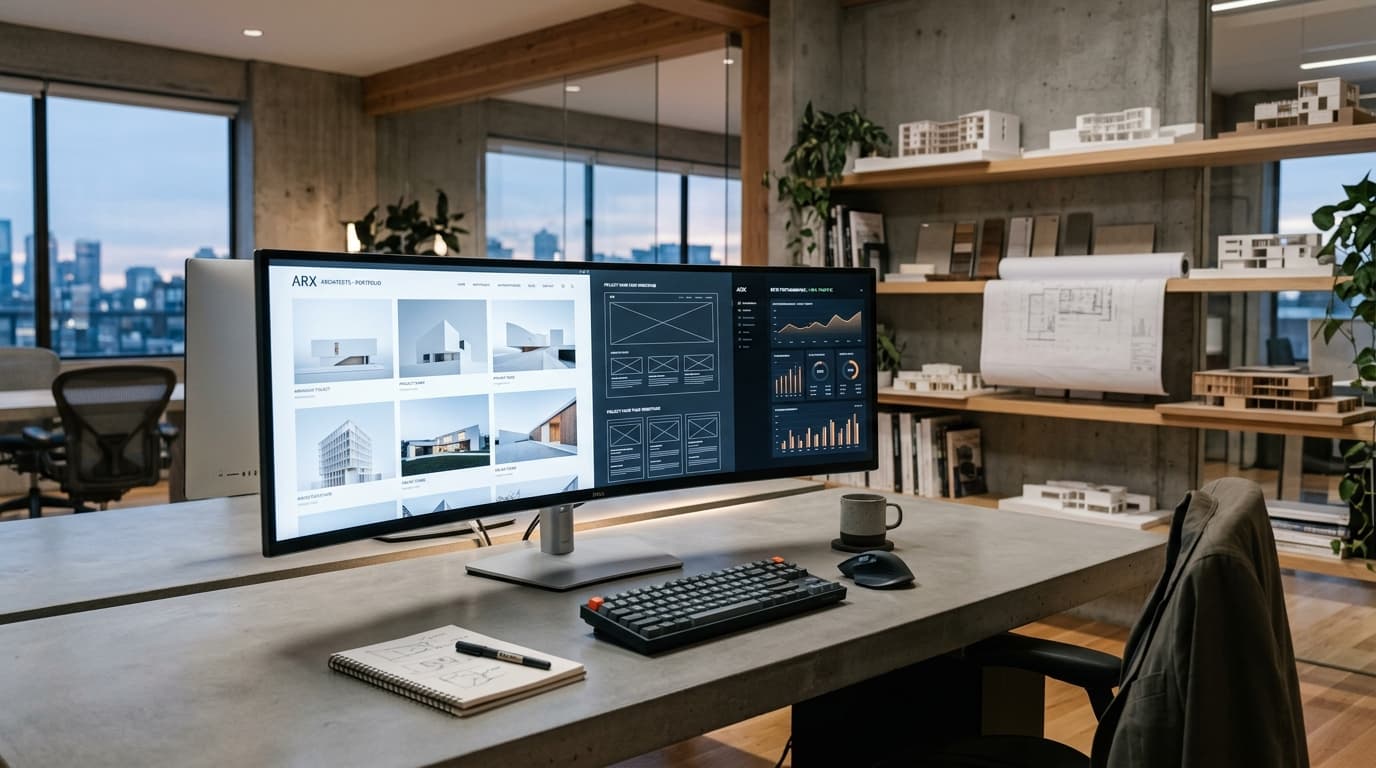
Architecture website SEO is the process of structuring, optimizing, and maintaining an architecture firm's website so search engines can understand what the firm does, where it operates, and why it deserves to rank — and so the right clients find it when they search.
The core challenge is specific to architecture: most architecture sites are built for visual impact, which directly conflicts with how search engines read pages. A beautifully designed portfolio with eight stunning images and three lines of text tells Google almost nothing.
(For the broader picture beyond the website itself — local search, GBP, AI search — see our guide to SEO for Architects.)
Why Architecture Websites Have a Specific SEO Problem
Search engines read text. Architecture websites minimize it.
That's not a criticism — it's a deliberate design choice most architecture firms make correctly for their audience. But it creates a technical SEO problem that a general web developer won't flag and a generic SEO agency won't understand.
The three most common conflicts between architecture design and SEO:
Images without context. A project gallery with six high-resolution photos and a one-line caption ("Villa, Alibaug, 2024") gives Google no basis for understanding what the project is, who it was built for, or why it's relevant to a search.
Services merged onto one page. Many architecture sites have a single "Services" or "Work" page listing residential, commercial, interiors, and landscape work together. Google can't determine the page's primary topic, so it ranks for nothing.
No location signals on-page. Architects depend on local clients, but many architecture websites never mention the city they work in outside the footer address.
Fix these three things and you're ahead of most firms in your market before you do anything else.
Site Structure: How to Organize an Architecture Website for SEO
Good site structure creates clear pathways for both search engines and users. For an architecture firm, this means:
One service, one page. Give residential architecture, commercial architecture, and interior design each their own dedicated page. Each page has its own keyword target, its own written context, and its own internal link profile.
Project pages that are actually pages. Not a gallery modal, not a lightbox — a dedicated URL for each significant project with a title, description, location, scope, and images. These are your most powerful SEO assets and most firms leave them completely unoptimized.
A blog or resource section. Not mandatory, but it's the most practical way to capture the informational queries clients search before they know which architect to hire.
A clear contact or enquiry page. With a phone number, email, and city address clearly visible — not buried in the footer.
A simple, flat structure performs better than a deeply nested one. Google should be able to reach any important page within two clicks from the homepage.
Project Pages: The Most Underused SEO Asset in Architecture
Most architecture firms treat their project portfolio as a gallery. The best architecture websites treat each project as a content page.
A project page that ranks should include:
- A descriptive title — not "Project 14" or "Villa 2023" but "Modern Courtyard Villa — Alibaug, Maharashtra"
- 300–500 words of context — what the brief was, the site constraints, the design response, the materials used, the scope
- Location detail — the city, neighborhood, or region
- Project type and scope — residential, commercial; square footage; number of floors
- Properly optimized images — WebP format, descriptive filenames, alt text
- Internal links — to the relevant service page and to similar projects
This structure gives Google enough to understand the page and rank it for project-type + location queries. A villa project page in Alibaug should rank when someone searches "modern villa architect Alibaug."
Google Images is also an underused discovery channel for visual professions. Architecture firms that optimize their images properly consistently receive enquiries from clients who found them through image search first.
Service Pages: One Service, One Page, One Keyword
The single most common architecture website SEO mistake: one vague "Services" page covering everything the firm does.
The correct approach: a dedicated page for each core service.
| Service | Dedicated URL | Primary Keyword Example |
|---|---|---|
| Residential Architecture | /services/residential-architecture/ |
residential architect [city] |
| Commercial Architecture | /services/commercial-architecture/ |
commercial architect [city] |
| Interior Design | /services/interior-design/ |
interior designer [city] |
| Sustainable Design | /services/sustainable-architecture/ |
sustainable architect [city] |
Each page should open with a clear statement of what the service is, who it's for, and where the firm operates. Include 3–5 relevant project examples with internal links to their project pages. End with a CTA and contact details.
Don't create pages for services you don't actively pursue. A thin, undifferentiated page is worse than no page.
Image Optimization: The Technical Fix That Has the Biggest Impact
Architecture sites are image-heavy by necessity. That makes image optimization disproportionately important compared to most other website types.
The fundamentals:
Convert to WebP or AVIF. These modern formats reduce file sizes by 30–80% compared to JPEG with no visible quality loss. Every image on the site should be served in WebP as a minimum.
Descriptive filenames. Rename IMG_0042.jpg to courtyard-villa-alibaug-exterior-facade.webp before uploading. Search engines read filenames.
Alt text. Every image should have an alt attribute describing what's in the image — not keyword-stuffed, but accurate and specific. alt="Exposed concrete facade with floor-to-ceiling glazing on a residential villa in Alibaug" is correct.
Lazy loading. Use loading="lazy" on all below-the-fold images. This prevents the browser from loading images the user hasn't scrolled to yet, improving initial page load.
Defined dimensions. Always specify width and height attributes on image elements to prevent layout shift (CLS).
For a full image optimization guide, see Image SEO for Architects.
Page Speed: Keeping Core Web Vitals on a Visual Site
Core Web Vitals are Google's performance benchmarks. For architecture websites, the relevant ones are:
- LCP (Largest Contentful Paint): The time it takes for the largest visible element to load. Must be under 2.5 seconds. On architecture sites, this is almost always a large hero image.
- CLS (Cumulative Layout Shift): How much the page layout shifts during loading. Must be below 0.1. Happens when images don't have defined dimensions.
- INP (Interaction to Next Paint): How quickly the page responds to user input. Must be under 200ms.
Common fixes for architecture websites specifically:
- Serve the hero image as WebP with explicit dimensions
- Preload the hero image using
<link rel="preload"> - Defer non-critical JavaScript
- Use a CDN for image delivery
- Minimize third-party scripts (analytics, chat widgets, font loaders)
Measure your current scores at PageSpeed Insights before and after changes.
Internal Linking: How to Connect Your Architecture Website
Internal linking tells search engines which pages are important and how they relate to each other. Most architecture websites have almost none.
A practical internal linking structure for an architecture firm:
- Homepage → links to each service page and 3–4 featured projects
- Service pages → link to 4–6 relevant projects and to the contact page
- Project pages → link to the relevant service page and to 2–3 related projects
- Blog posts → link to relevant service pages and to other related articles
The anchor text (the clickable words in a link) should be descriptive. "See our residential architecture work" is better than "click here."
For a 20-project portfolio, this internal linking structure creates a dense network that distributes ranking authority across the entire site.
Local Signals on the Website
Even if you maintain a strong Google Business Profile, your website itself needs local signals for Google to confidently associate your firm with a specific city.
Include:
- NAP on every page — Name, Address, Phone Number — in a consistent format, ideally in the footer
- City name in page titles and H1s where relevant (e.g., "Residential Architect in Mumbai")
- LocalBusiness schema on the homepage and contact page
- Embedded Google Map on the contact page
- Location-specific content — mentioning local project names, neighborhoods, local planning authorities
Don't force city names into content where they don't belong. One clear, natural mention of your city on each service page is better than awkward keyword repetition.
Schema Markup for Architecture Websites
Structured data (Schema.org markup) gives search engines explicit, machine-readable information about your firm. The most important schema types for architecture websites:
- LocalBusiness / ArchitecturalFirm — firm name, address, phone, hours, service area
- Article — on blog posts and editorial content
- FAQPage — on pages with FAQ sections
- ImageObject — on key project images
- BreadcrumbList — for site navigation hierarchy
Implement schema as JSON-LD in the <head> of each page. This is the format Google recommends and it doesn't affect the page's visible content.
For a detailed guide, see Schema Markup for Architecture Websites.
Common Architecture Website SEO Mistakes
One combined Services page — loses ranking potential for every individual service.
Project pages as gallery modals — URLs that never change, content that Google can't index.
Unoptimized hero images — a 4MB JPEG hero image guarantees a failing LCP score.
No text on project pages — images tell humans a story; they tell Google nothing.
Missing alt text — every image without alt text is a missed ranking opportunity.
No local address on key pages — a firm serving Mumbai that never mentions Mumbai on its website has a local SEO problem.
Slow mobile experience — most architecture clients now browse on mobile. A site that looks stunning on a 27" monitor but loads in eight seconds on a phone loses enquiries.
Frequently Asked Questions
What is architecture website SEO?
It's the process of structuring and optimizing an architecture firm's website so search engines can understand its services, location, and expertise — and rank it when relevant clients search. The core challenge is that architecture sites are built for visual impact while SEO requires text-based context.
How many pages should an architecture website have?
Enough to cover each core service (separately), each significant project (individually), and key informational content — but not so many that quality suffers. A 30-page site with excellent content outperforms a 200-page site with thin content.
Do architecture websites need a blog?
Not strictly. A blog helps capture informational queries from clients early in their research process, and it's the most practical way to build internal linking depth. But it only works if the content is genuinely useful.
What is the most important SEO fix for an architecture website?
Usually one of two things: breaking a combined Services page into separate dedicated pages, or adding written content and proper image optimization to project pages. Run a basic audit to find which issue is costing you more.
How long does architecture website SEO take to show results?
Technical fixes (image compression, schema, page speed) can show ranking movement within 4–8 weeks. Content and structural changes typically take 3–6 months to build measurable authority.
Does page speed affect architecture website rankings?
Yes. Core Web Vitals are a confirmed ranking factor, and image-heavy architecture sites are particularly vulnerable to failing LCP scores. A passing score won't guarantee a top ranking, but a failing score is a headwind you don't need.
Should architects build their website on Next.js or WordPress?
Both can be well-optimized for SEO. Next.js offers better performance control for image-heavy sites. WordPress with a lightweight theme and proper plugins is a proven option. The framework matters less than how well it's implemented.
Ready to Improve Your Architecture Website's Search Visibility?
Amfor Studio builds and optimizes architecture websites with SEO built into the structure from day one — not bolted on afterward.
If your site has a slow portfolio, a single Services page, or project pages with no text, those are fixable problems. Get a free website audit from our team and we'll show you exactly where the gaps are.
See also: SEO Agency for Architects | Image SEO for Architects | Technical SEO for Architecture Websites